This article will guide step by step on how to set up your email on Outlook on an iPhone.
Step 1)
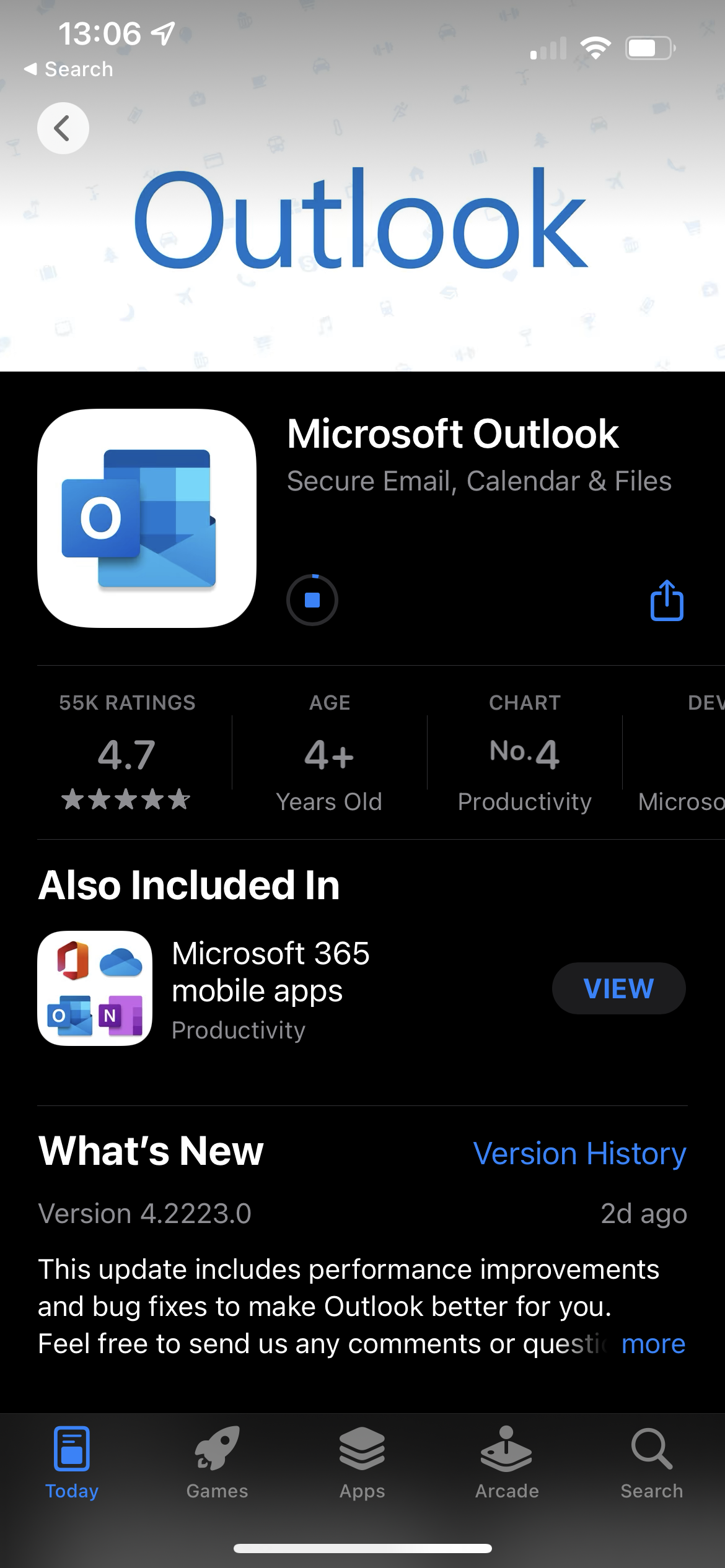
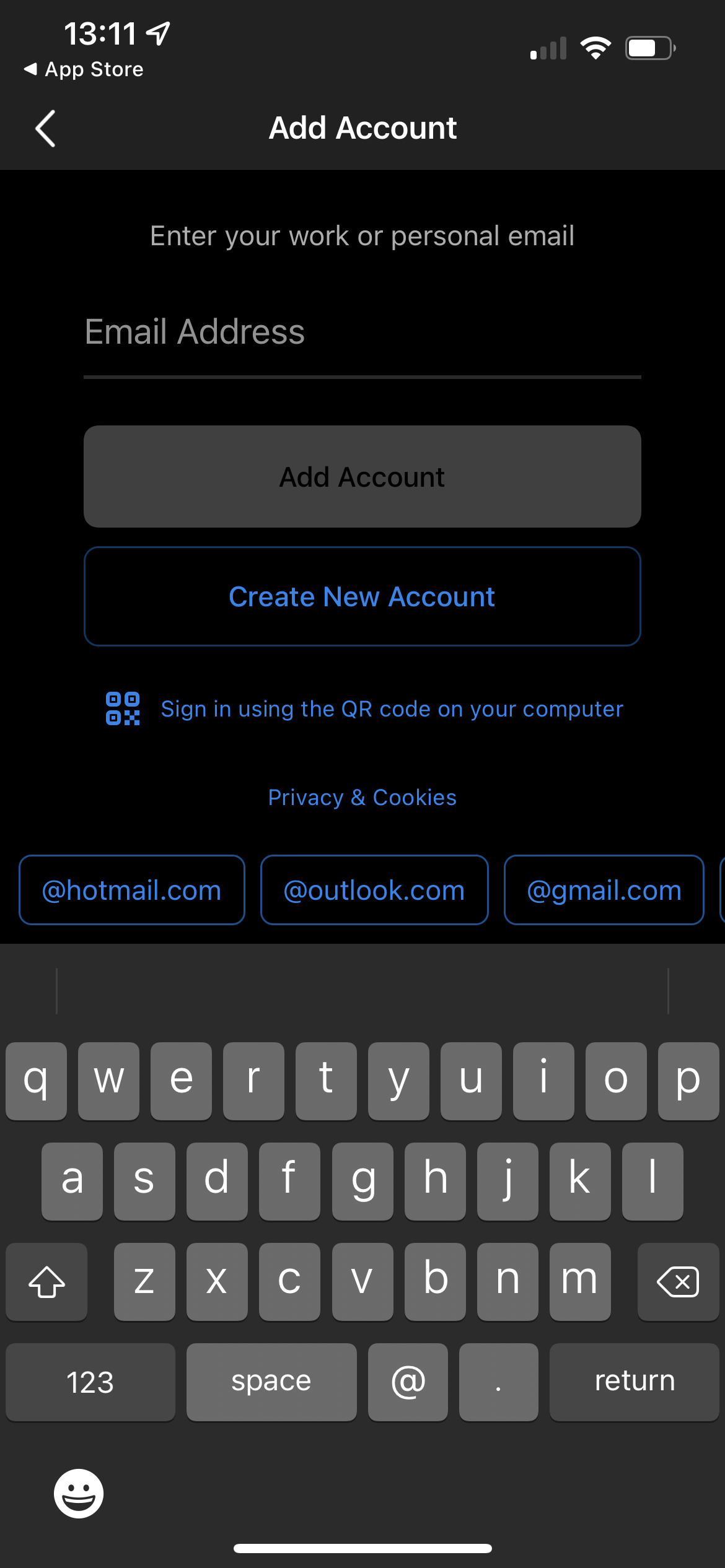
Download Outlook from the App Store onto your phone, turn it on and you should get this screen. Type your email in the open box as the other options are for creating a new outlook email. Once you have that done click "Add Account" in the middle of the screen.

Step 2)
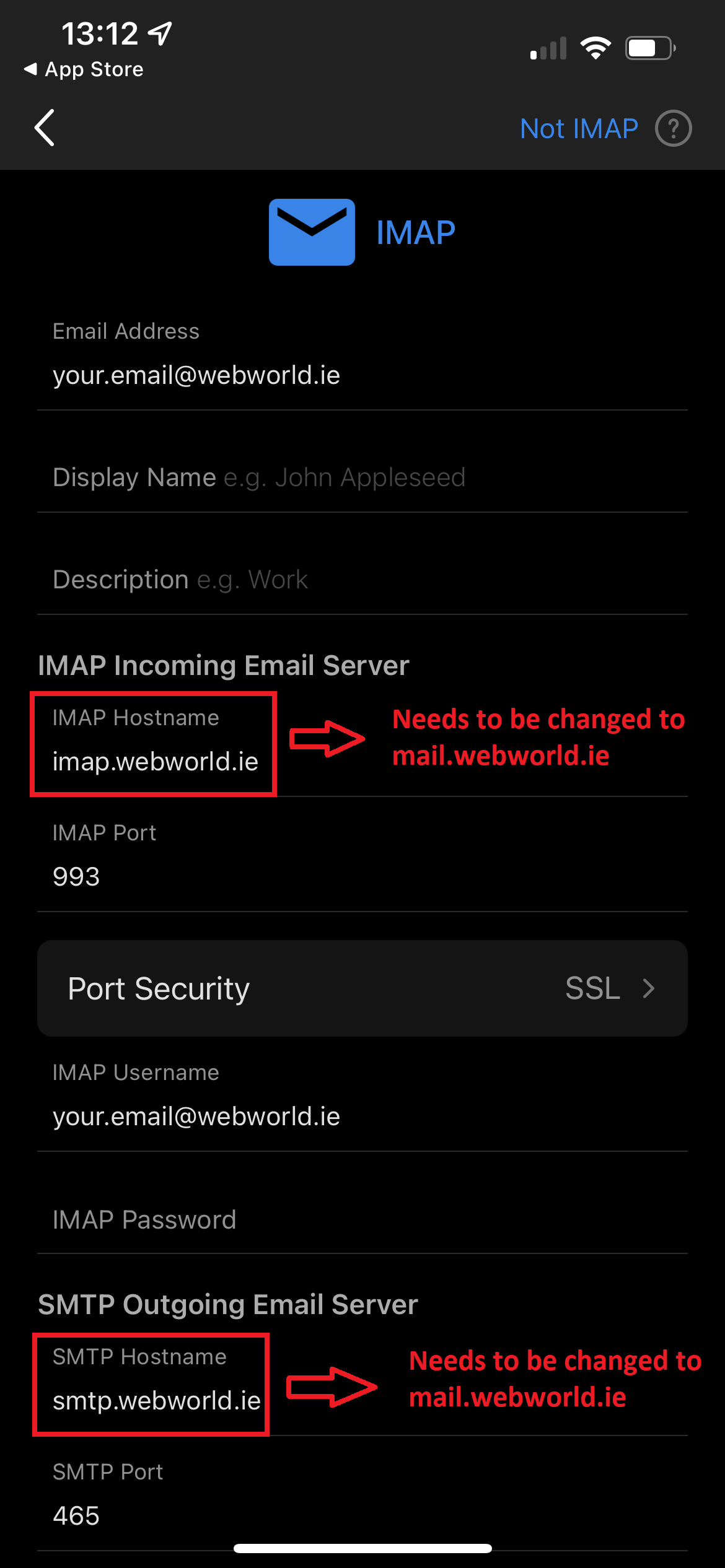
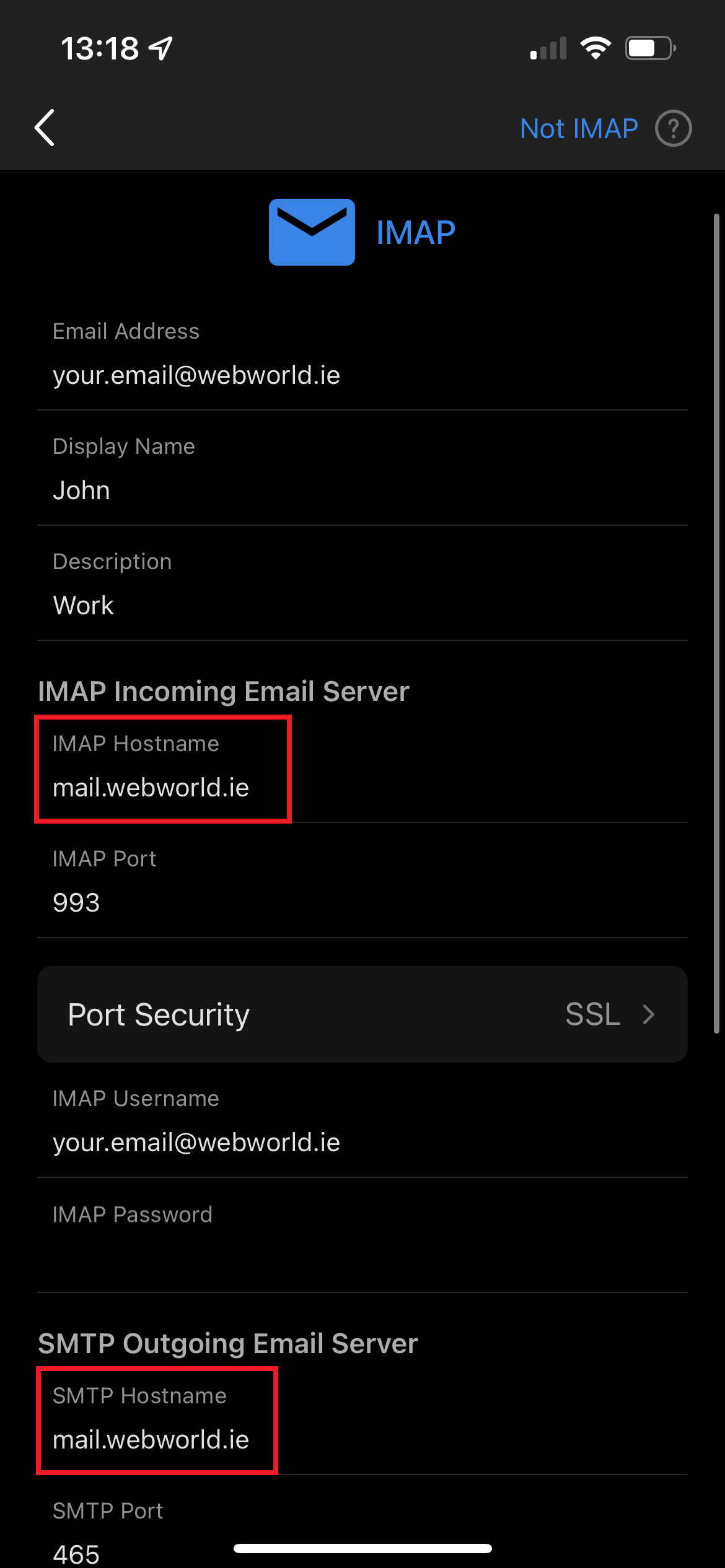
Once you click Add Account, it will bring you onto the next page with all your email settings already inputted. It is IMPORTANT to double check these settings as Outlook doesn't know your settings automatically. The first three settings up the top are how you wish to set up your email so the display name can be set to your own name and the description could be Work Email.
Step 3)
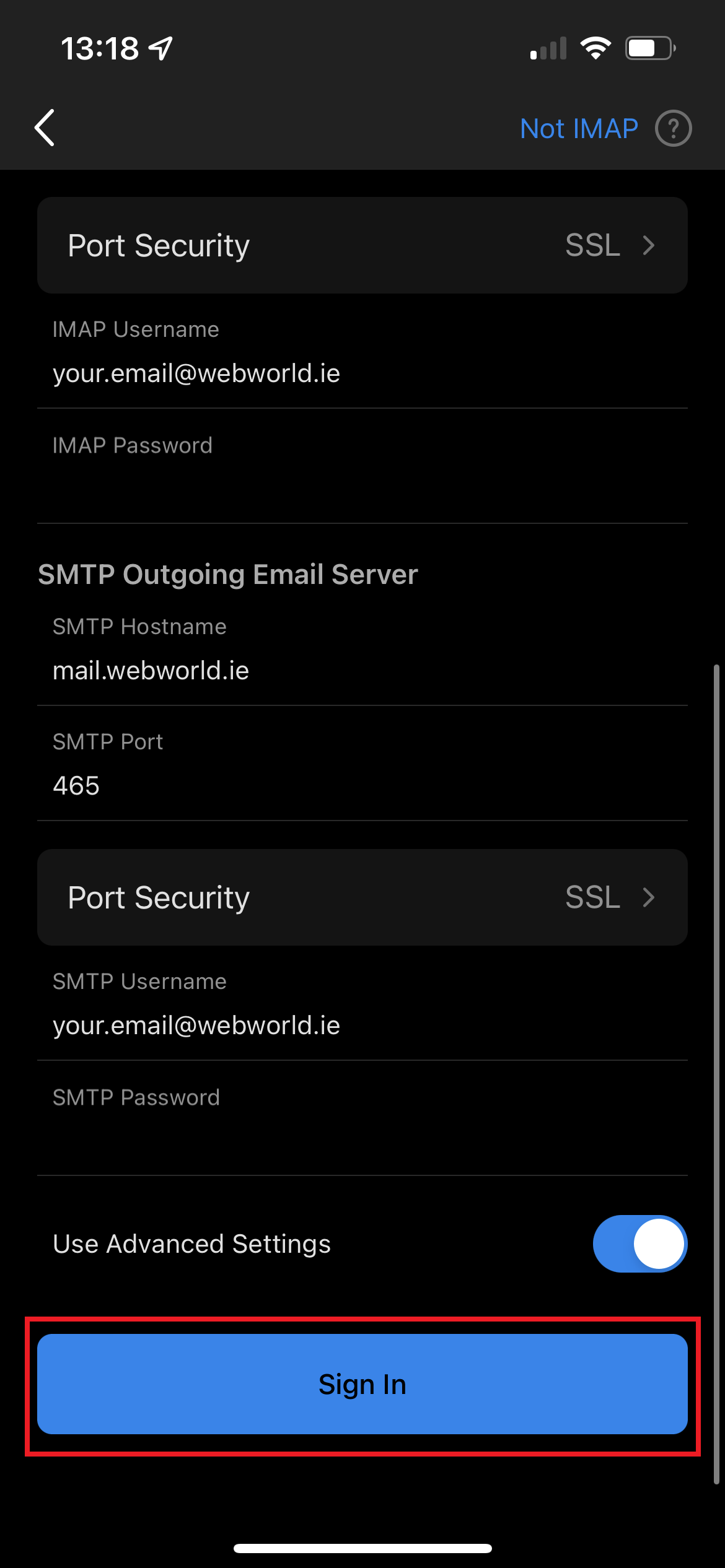
Below the settings described above are the IMAP incoming email server settings. These tell Outlook how to communicate with the server and are extremely important if you set up correctly. Make sure the hostname matches your exact email settings, for me in this case it was automatically set to imap.webworld.ie but I have to change it to mail.webworld.ie. The Port should be correct but please double check with your settings. The IMAP username should be your email address and the IMAP Password is your current email password.
For the SMTP settings you are basically doing the same steps as above. The SMTP hostname is probably set to smtp.webworld.ie and needs to be changed to mail.webworld.ie in my case. The port should be once again correct but please check against your settings. The SMTP Password is your current email password.
Step 4)
Once you have all the settings filled out, you will see that the Sign in button.
Step 5)
After you press the Sign In button, you will see an option to add another account, it is from here you can add another account and repeat step 2 to step 3. If you don't want to add an account you can choose Maybe Later and this will bring you to your mailbox.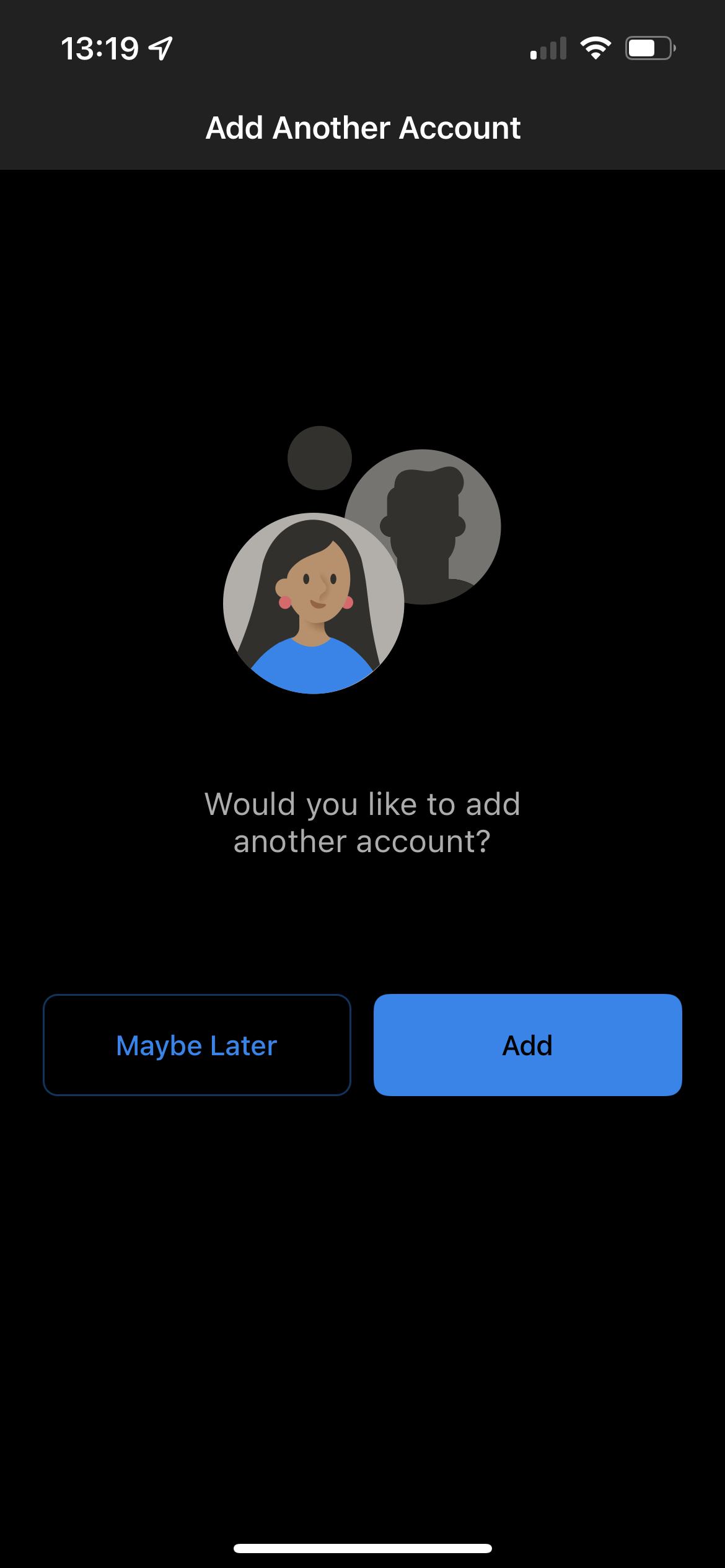
Step 6)
Once you are done setting up your account or accounts you will be brought to your mailbox page, from here it will take time depending how many emails you have in your mailbox to mirror onto your device.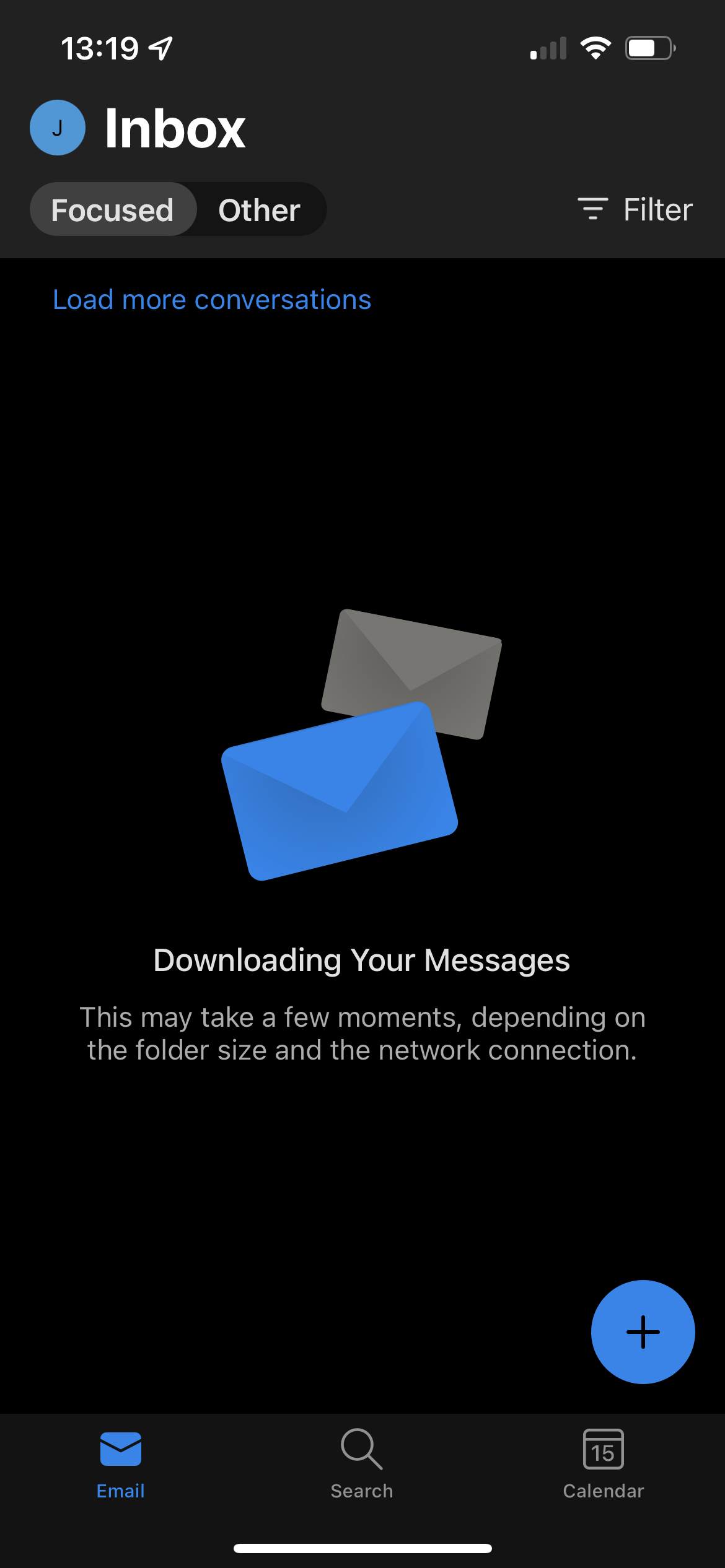
----------------------------------------------
If you have any questions about the article above please email us at support@webworld.ie and we will try our best to assist you as much as we can.